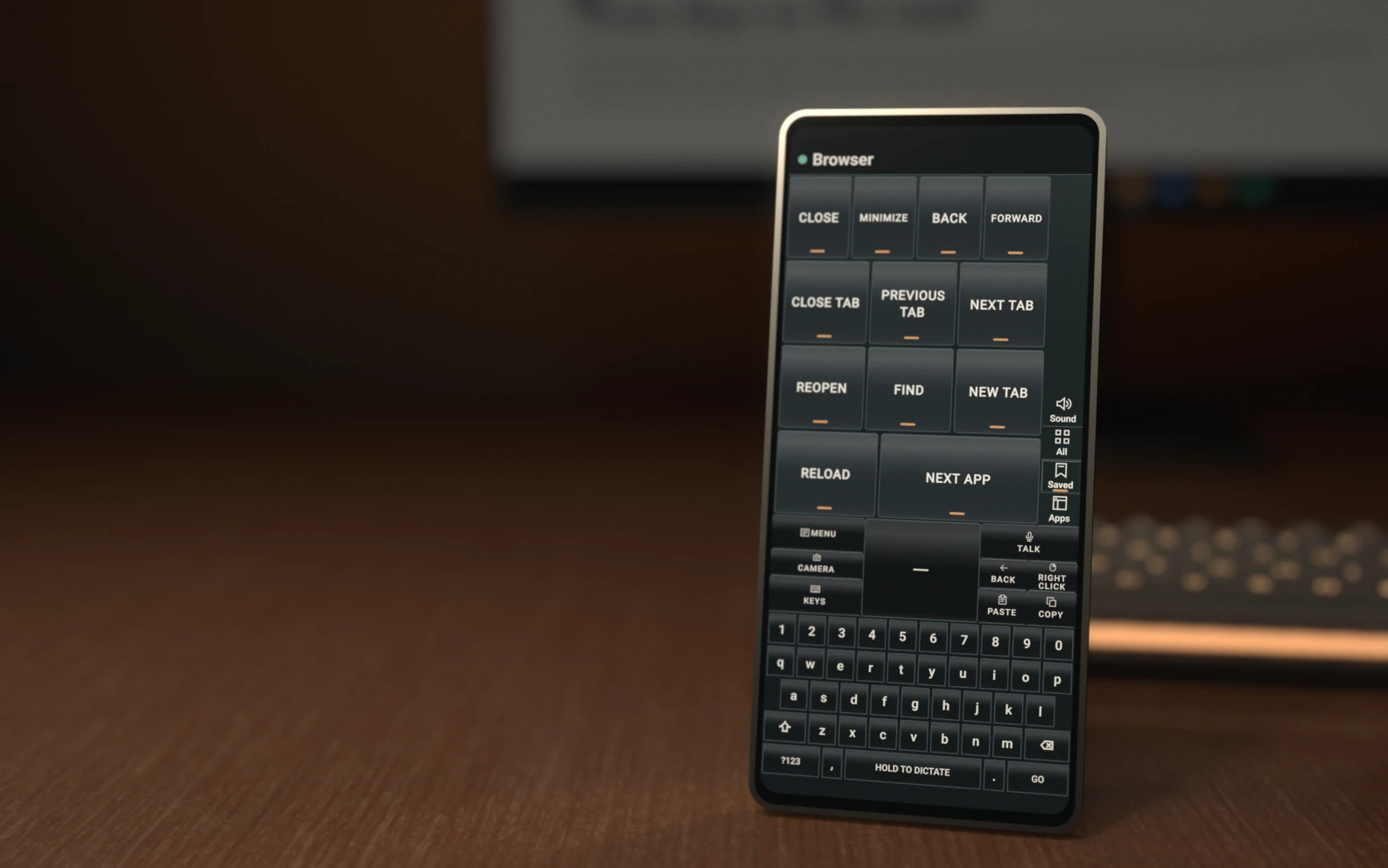
Control your PC with your phone.
Use your phone as a touchpad and keyboard, control media, or send a link to your Windows PC.
Get MoardWindows 11 iPhone or Android


Free to start. App buttons come with Moard Plus. Your phone and PC share a local network.
Meet Moard.
Read the film
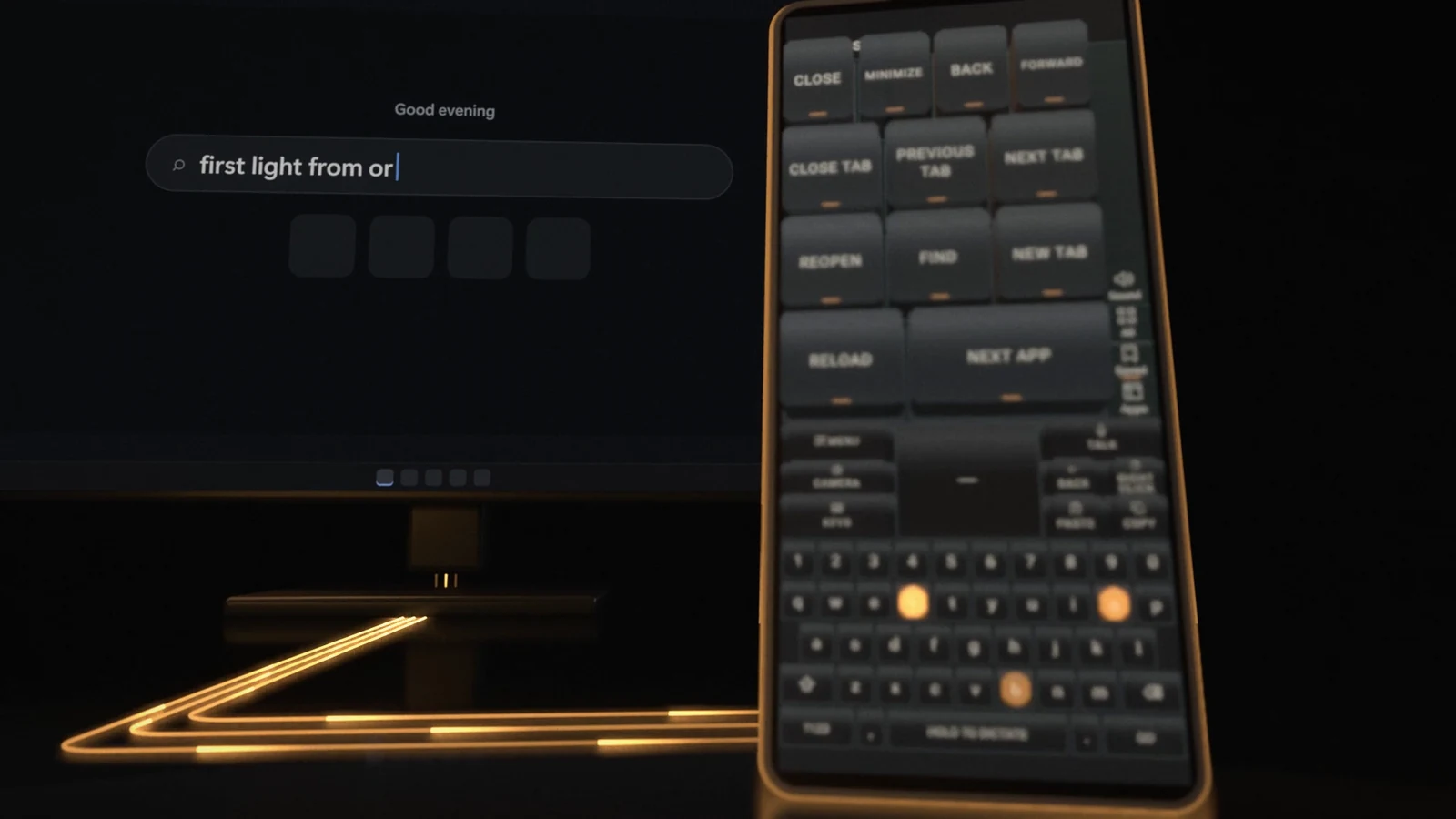
Moard puts your PC’s controls on your phone. As the PC opens a browser, music, a video call, a document and a video, the phone’s keys change to match each one.
Then the phone changes its look: Walnut, Titanium, Carbon, Kintsugi, Typewriter, Pinball and more, a colour of your own, and a picture on a key. Save is made bigger and moved within reach of a thumb. The keyboard and touchpad type a search on the PC and open the result from across the room.
It ends on Get Moard, free to start: on your phone from the App Store or Google Play, and on your Windows PC from moard.ai.
This animated film draws Moard’s own keys beside illustrated PC screens. It shows features from Free and Moard Plus, including custom colors, layouts and images.
How responsive is Moard?
Measured response times
- 0.1s
- Buttons start changingMedian of 6 app switches
- 0.6ms
- PC key processing onlyMedian of 520 keys, timed on the PC only
Medians measured September 25, 2026 on iPhone 17 Pro and Windows 11.
App switch: buttons start changing. Keystrokes: PC processing only, excluding the phone and Wi-Fi.
Buttons start changing
Six app switches on iPhone 17 Pro. The estimated median was 89 milliseconds, shown as 0.1 seconds. This measures the start of the button change; motion until the buttons fully settle adds about 0.3 seconds. The phone screen recording was aligned to the PC clock using the status-bar minute rollover and the PC offset from time.apple.com, with about ±50 milliseconds of alignment uncertainty. PC foreground sampling occurred every 150 milliseconds, so results are estimates within timing windows. The reported bounds were 0 to 188 milliseconds. This small sample does not establish performance across every app or network.
PC key processing only
520 keys typed on iPhone 17 Pro and recorded by Moard on the PC. Median waiting plus processing time on the PC was 0.6 milliseconds; the 95th percentile was 5.4 milliseconds. This excludes the phone, Wi-Fi travel and the time for the screen to update. It is not a phone-to-screen response measurement or a comparison with a physical keyboard.
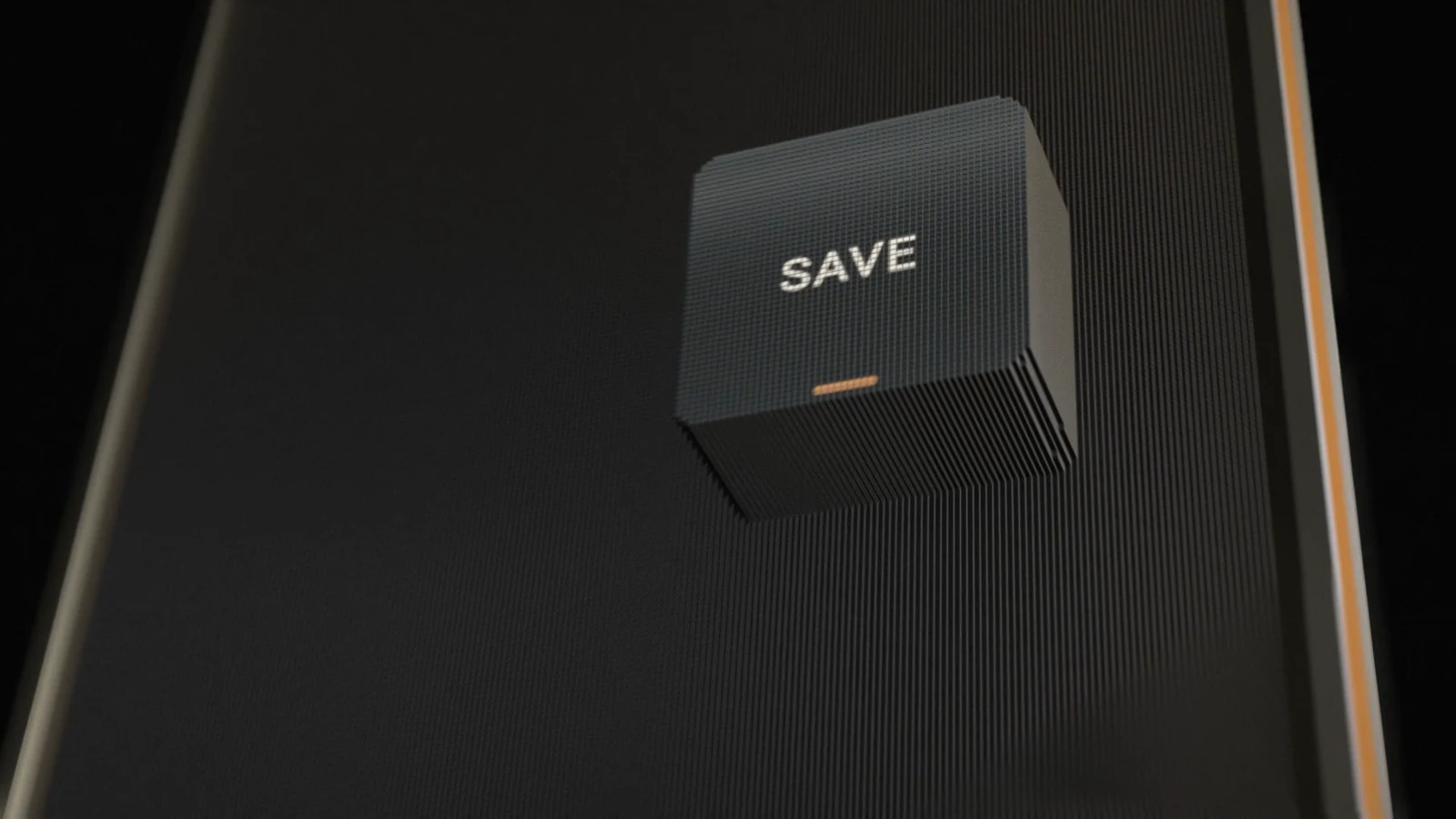
Make it yours.
Choose what your buttons do, where they sit and how they look, in My Moard on your PC.
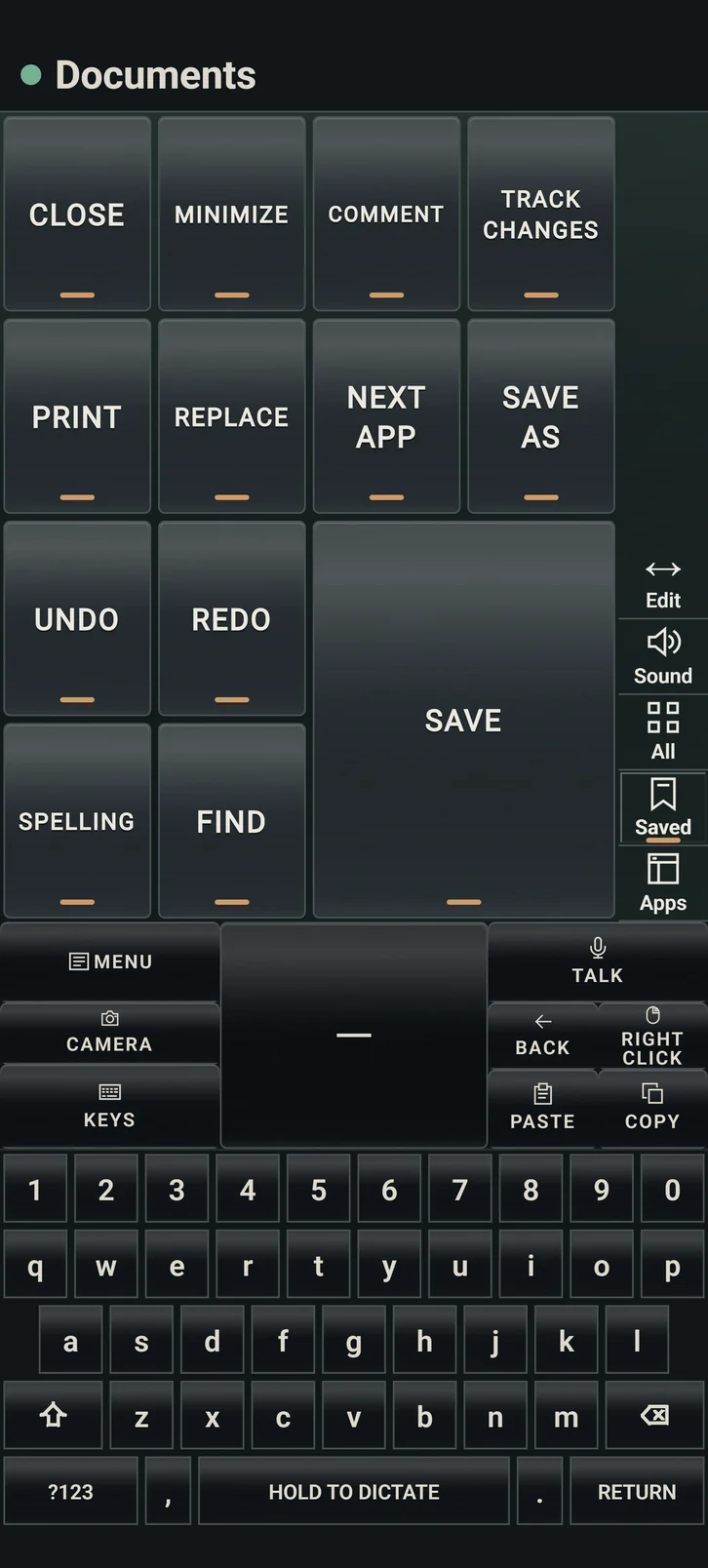
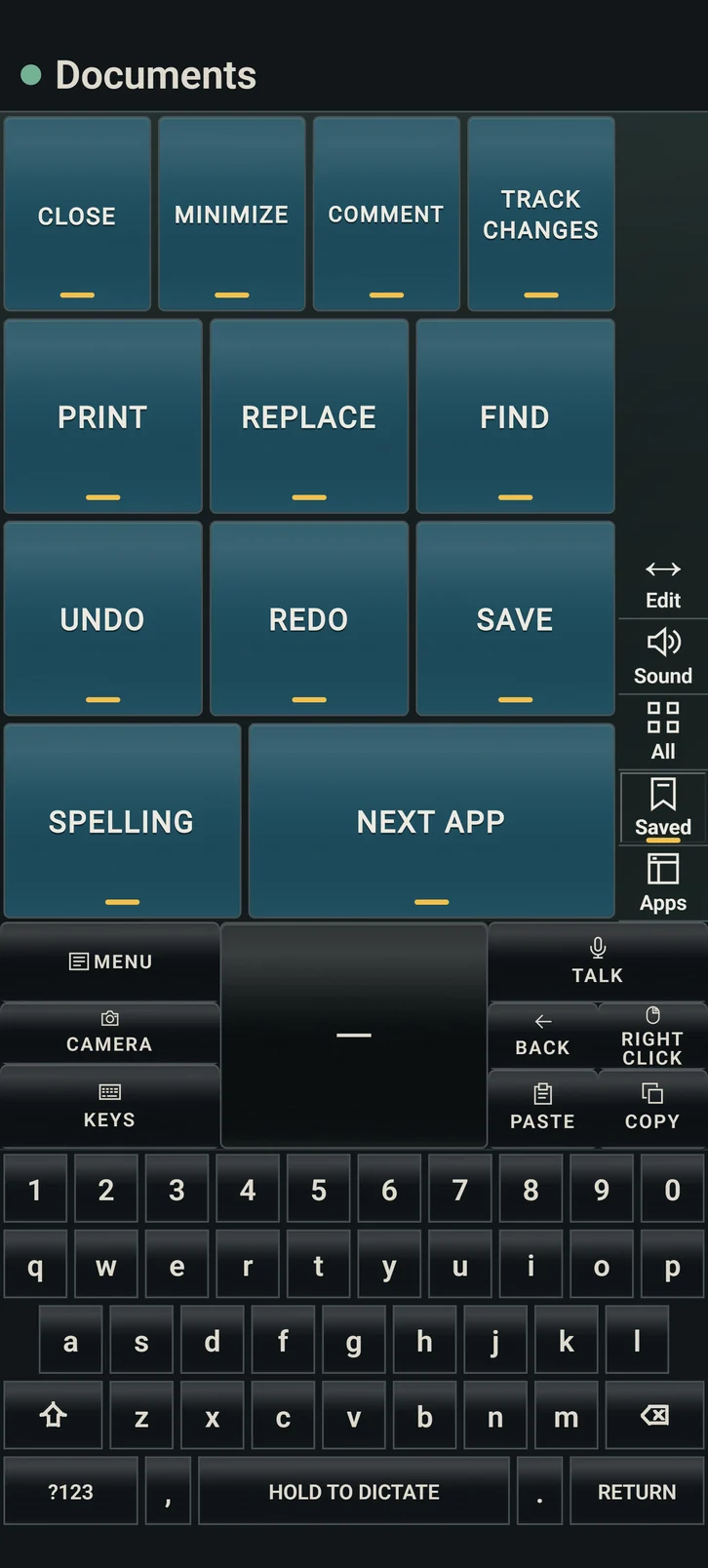
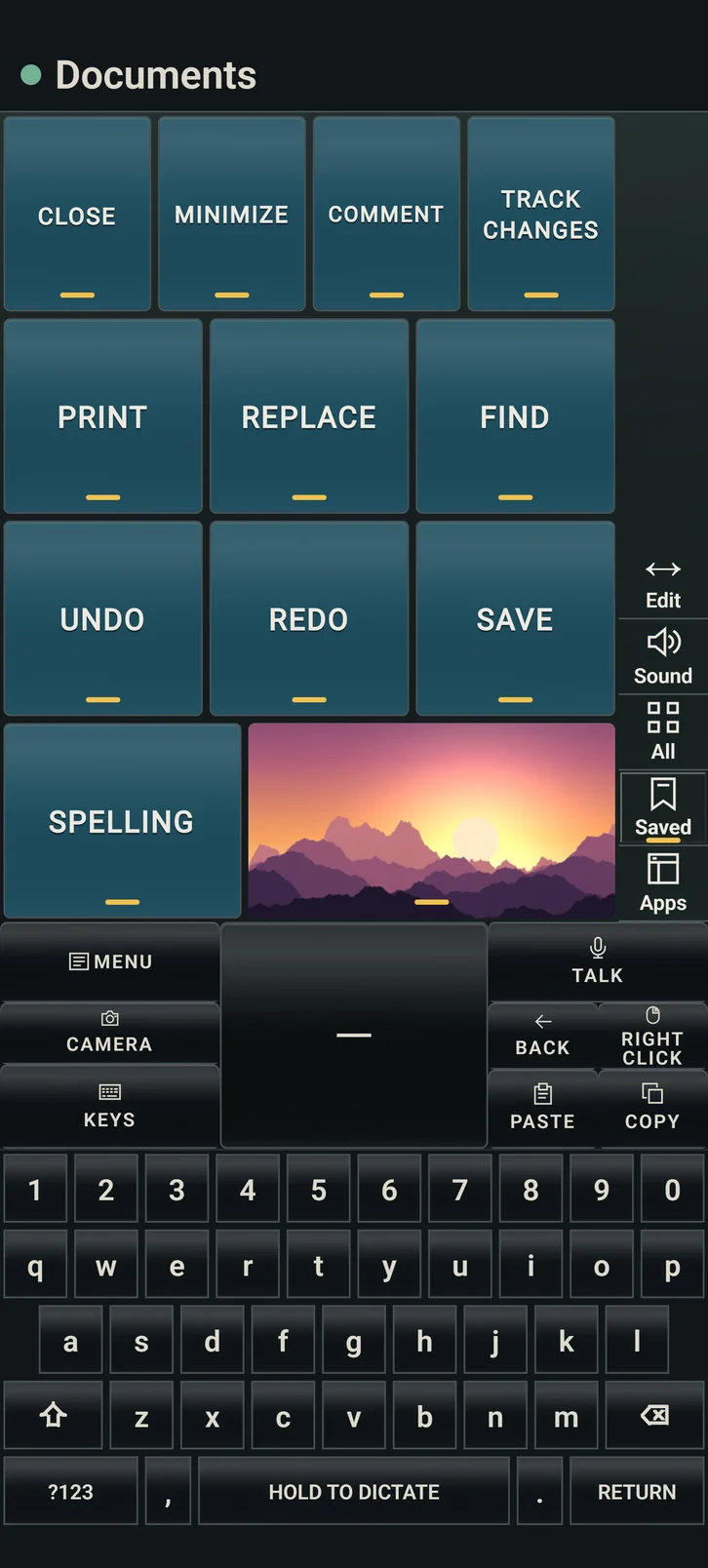
Make a button bigger and bring it within reach. Here, Save is wide and closer to the thumb.
Free styles and arranges your four Windows buttons. Plus adds your own buttons and a layout for each app.
Explore the editor Preview ready-made looksType, scroll and click from across the room.
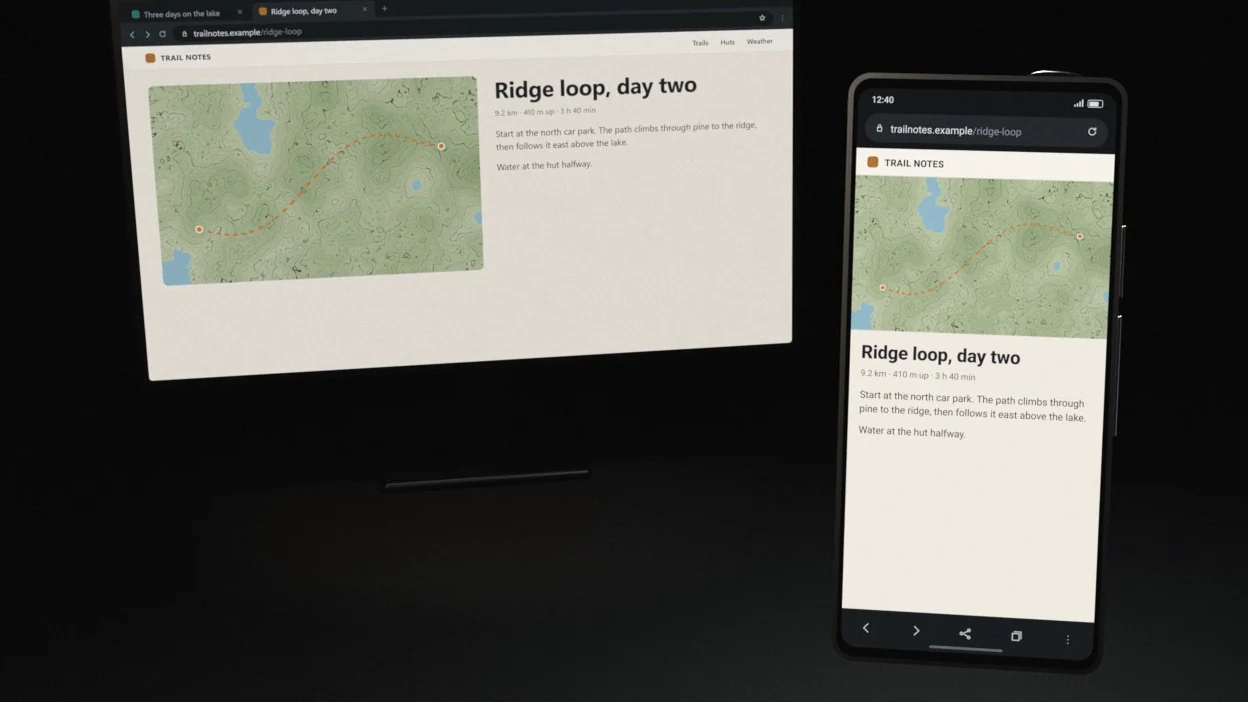
Send it to your PC from where you found it.
Share a link or a video from any app and choose Moard: your PC opens the link or saves the video. That works on every plan. Moard Plus also sends photos, text and files, and brings what you copy on your PC to your phone.
How sharing works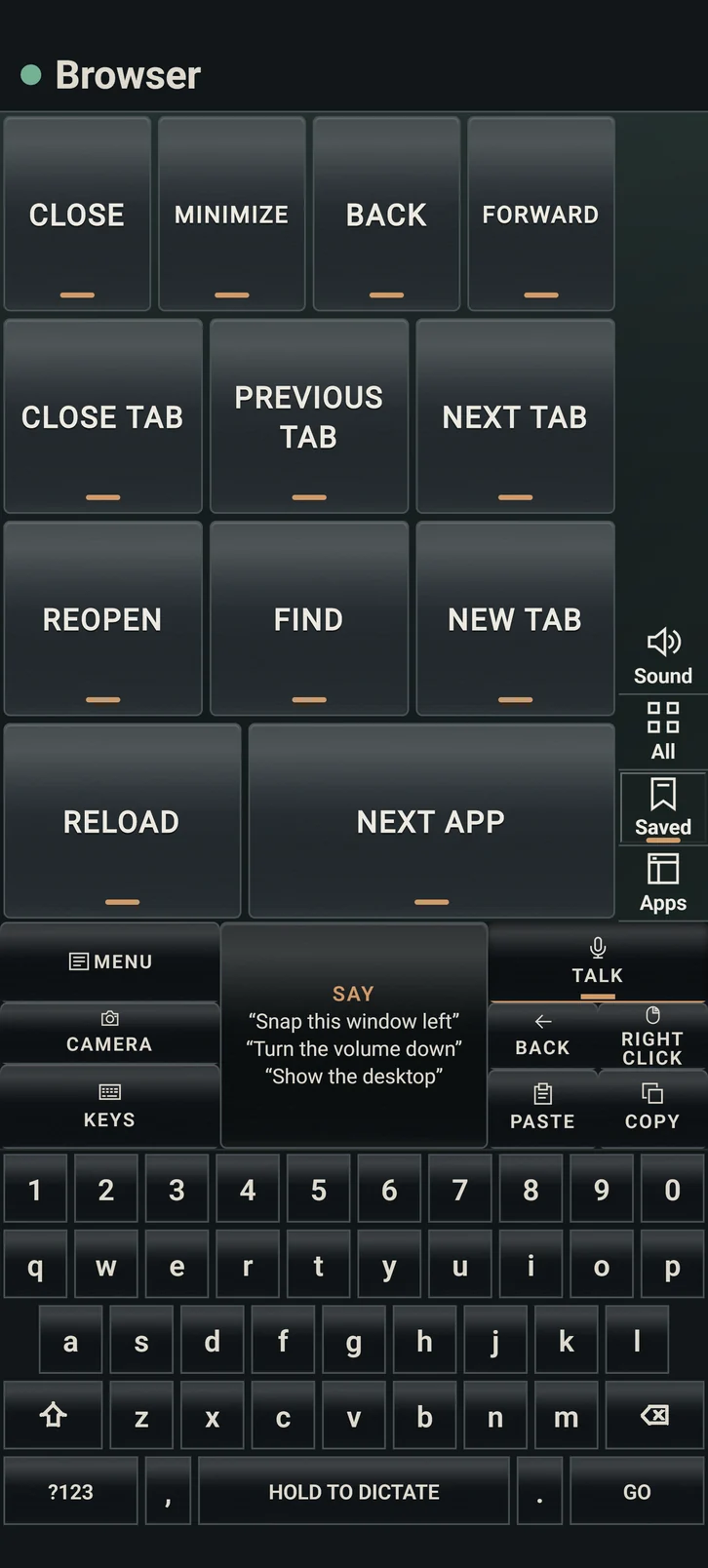
Dictate and Talk
Use Dictate to type from your phone or your PC’s microphone. With Talk access, hold TALK on your phone or press Ctrl + Alt + V on your PC and say what you want done.
Dictate processes English speech on supported PCs. Plus members can request Talk as it rolls out.
Watch a Talk demo · 22 seconds
In the demo, Talk skips a song, turns the volume down and pauses the music.
Start free. Add app buttons and voice.
 Touchpad
 Keyboard
 Sound keys
 Windows buttons
 Send links and videos
 Style your buttons
 App buttons
 Your own layouts
 Send photos and text
 PC power
 Dictate
 Talk, by request
Free
- $0
Moard Plus
- $14.99 a month
Check upgrade availability in Settings › Account on your PC.
Put your phone to work.
Get MoardFree to start, with no ads.
Apple and the Apple logo are trademarks of Apple Inc., registered in the U.S. and other countries. App Store is a service mark of Apple Inc. Google Play and the Google Play logo are trademarks of Google LLC.