Make Moard fit your hands.
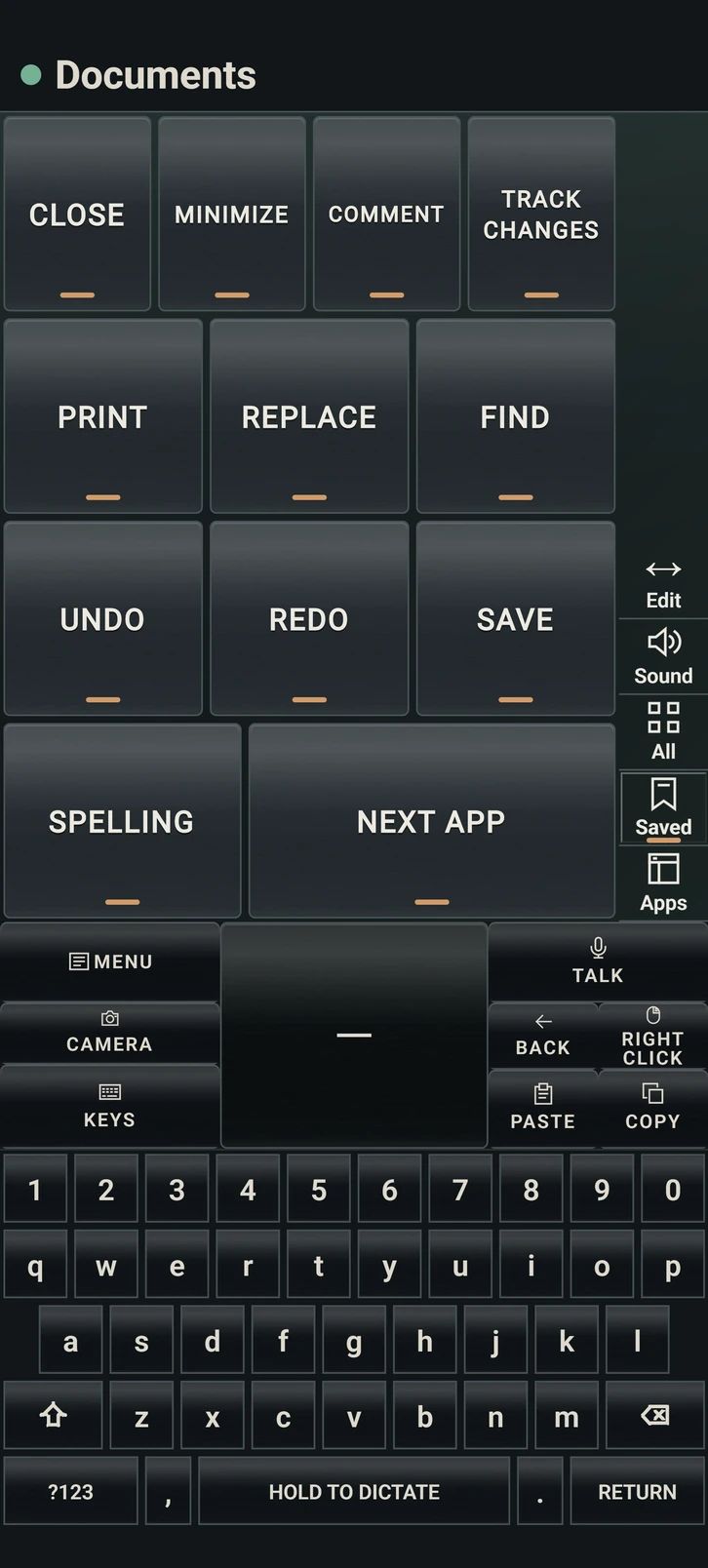
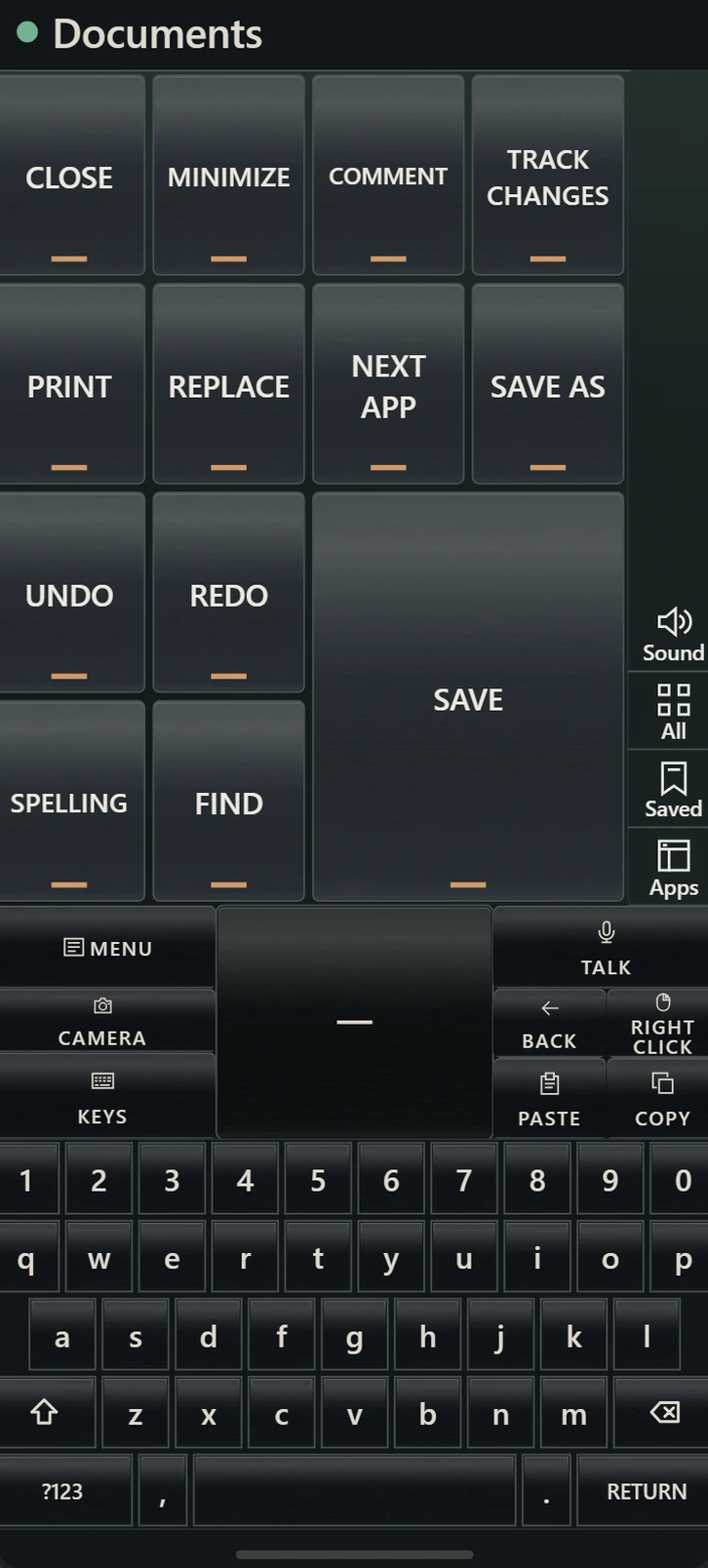
Arthritis, joint pain, a disability or limited hand movement can make a mouse and keyboard hard to use. Moard’s buttons can be bigger and closer to your thumb, and your voice can do the typing. You change them in My Moard on your PC.
What Moard does for access
Buttons you can see and reach
In My Moard on your PC, change the width and height of app buttons and move them where you want them. Choose colours, fonts, icons or words that are easier to see, keep a layout for each app, and set pointer speed and scroll direction.
Voice on your PC
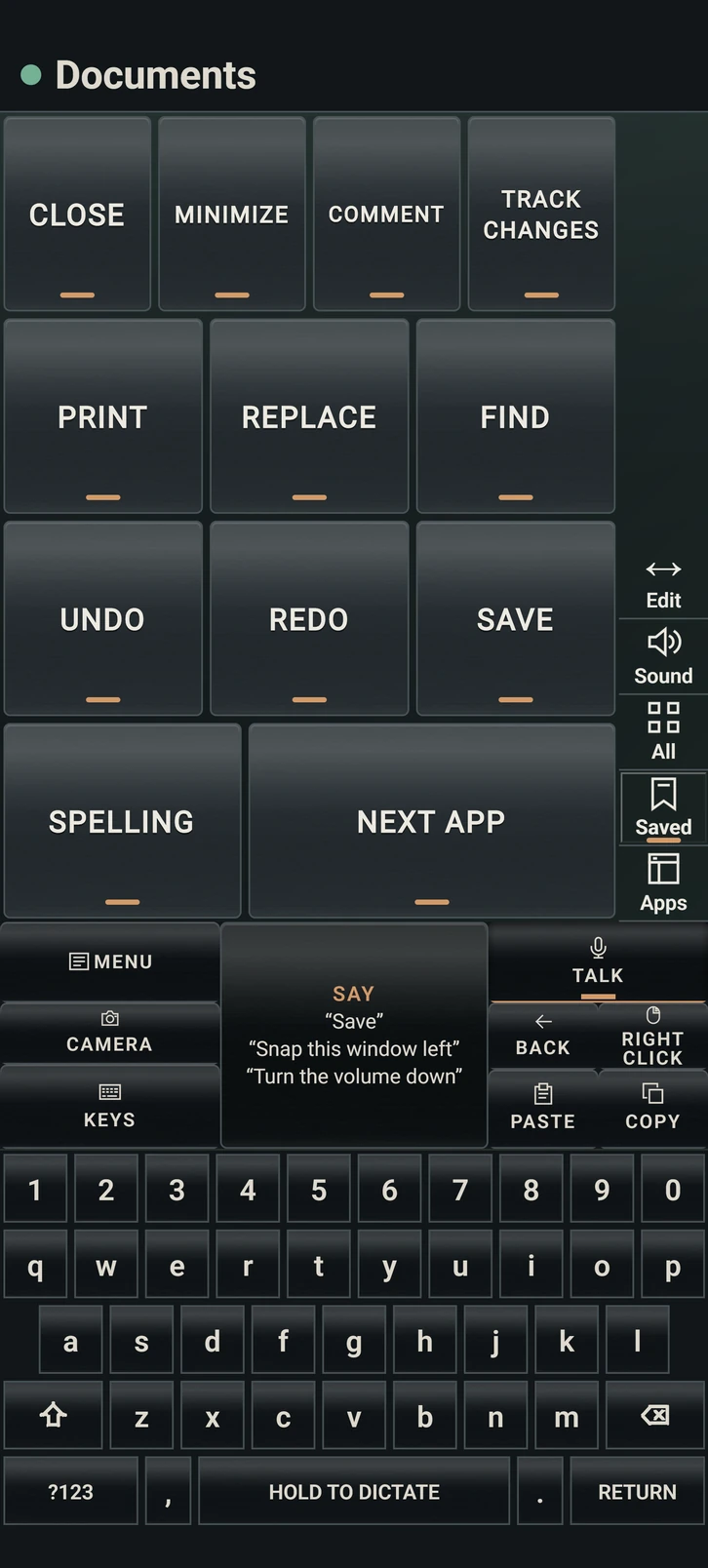
If your membership includes Dictate, sign in to Moard on your PC, open Voice and switch on Use voice. Read what leaves your PC, then choose Agree & turn on voice. When Talk opens for your Plus account, Start talking gives commands; Start dictating types into the text field you’re using. Your phone doesn’t need to be nearby. Voice works in English and needs internet.
Without your hands
The Moard mark on your desktop and keyboard or mouse shortcuts you choose start and finish speaking. Where Windows English speech recognition is available, Hands-free starts listening when you say a phrase; press Escape or choose Microphone off to stop. Earlier memberships keep the voice features they originally included.
Screen readers and switches
On the phone, Talk listens from the moment you touch it; slide down on Talk to keep it listening, and tap it again to stop. With a screen reader or a switch, one activation starts Talk and the next stops it. Dictate on the space bar is a press and hold.
On this website
Every page works with a keyboard, and focus is always visible. The product film plays only when you start it, with captions and a text description. The site follows your reduced-motion setting, and its pages and forms work without JavaScript. We design Moard and this website to WCAG 2.2 AA. If something doesn’t work with your screen reader, text size or keyboard, tell us.
Tell us what would help
Moard is made for people with different access needs, including arthritis and limited hand movement. It isn’t a treatment for pain, and it may not suit every person. Tell us what would help you use your PC: email support@moard.ai.
The Arthritis Foundation includes voice recognition among its workplace options for people with arthritis.