Only a phone you approve can press your PC’s keys.
You see the check yourself: before anything is paired, your PC and your phone show the same six digits.
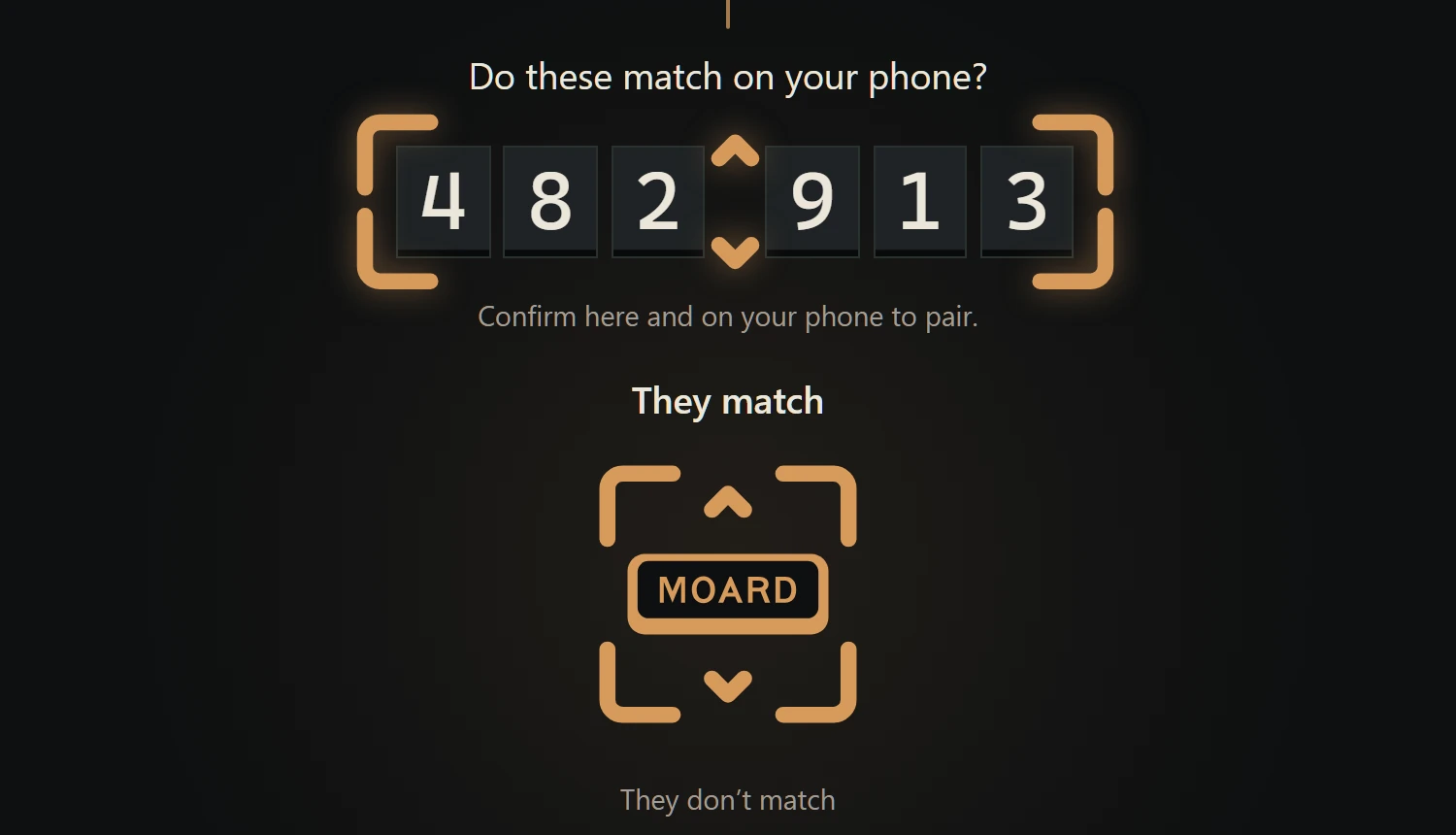
How Moard keeps your PC yours
A phone you trust
Moard pairs each phone with your PC on its own. Each phone has its own identity, so removing one leaves the others paired.
Protected connections
The phone and PC talk over authenticated, encrypted connections, and Moard on the PC checks which paired phone may send input.
Settings stay on your PC
Moard’s settings live in Moard on your PC. This website can’t open or change them.
Release checks
Each Moard release goes through security and release checks before it is published. Moard has no independent security certification.
Report a vulnerability
If you find a security problem in Moard, this website or Moard’s account service, email support@moard.ai. Say what you found, where, and the steps that show it. Use only your own account and devices, and don’t open or change anyone else’s data.