Control your Windows PC from the couch
If your Windows 11 PC is connected to a TV, keep your phone beside you for playback, volume and typing. Moard works over your local network on iPhone and Android.
Get the picture onto the TV
Connect the PC to the TV, for example with HDMI, and select that input on the TV. Leave Windows unlocked and the app you want to use open. The picture comes from the PC. Moard sends your controls from the phone.
Set up a remote you already have
- Install Moard on the PC and phone, and pair them on the same local network.
- Use the trackpad to open a browser or media app. Use the keyboard to search for something to watch.
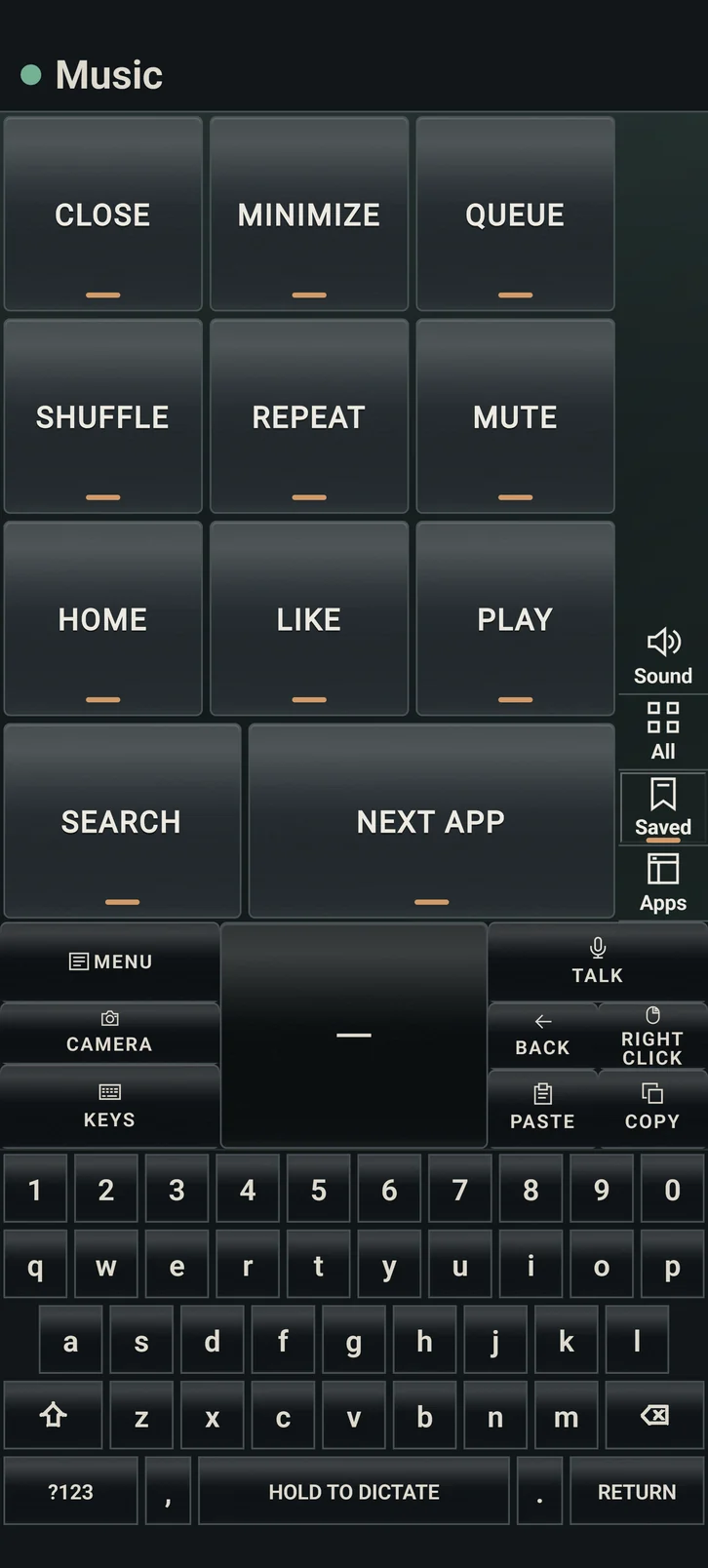
- Open Sound on the phone for volume and media controls. Try play/pause with a video or song already playing on the PC.
Put the controls you use within reach
Free includes four Windows buttons you can rearrange and restyle. With Plus, you can set up different buttons for supported apps, so the controls you see can change as you switch between the browser and your music app. Try switching from browser to music.